Introduction #
The X96 Mini runs quite hot, idling around 58 °C even at standby. This happens partly because Linux and Android handle hardware power management differently at the kernel level. Furthermore, missing closed-source vendor drivers (e.g., Amlogic) under Linux can result in higher overall power consumption.
While the stock X96 Mini comes with poor thermal design, it remains quite usable for low-to-mid workload tasks if cooled properly. The original setup relies on a low-quality thermal pad that barely connects the CPU to a thin metal plate:
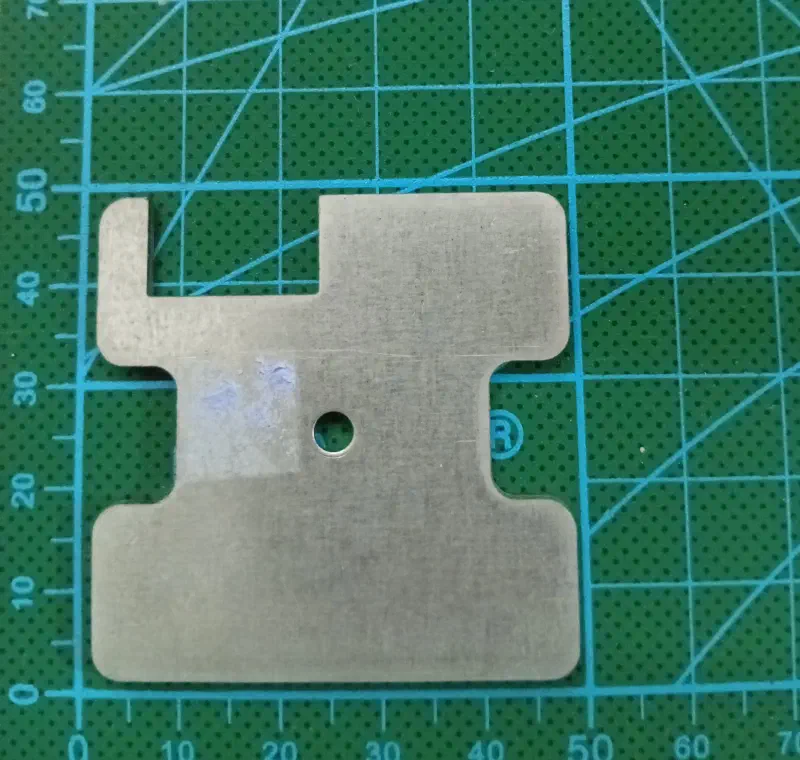
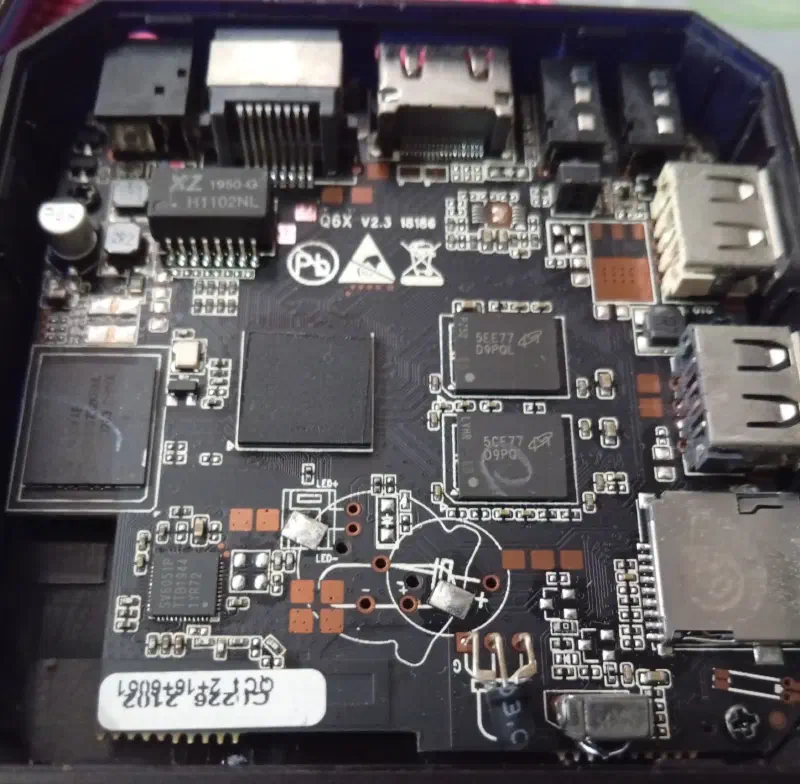
Because heat transfer is so inefficient with the stock setup, hot air gets trapped inside and heats up the entire top of the enclosure.
The Modification #
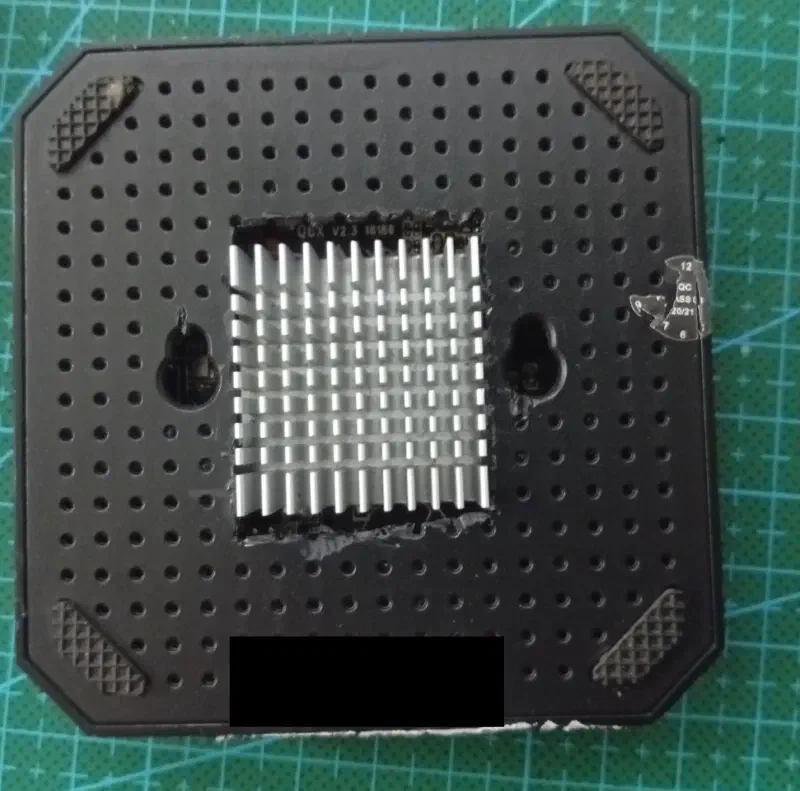
To improve hea
t dissipation, I repurposed a northbridge heatsink salvaged from an old motherboard:
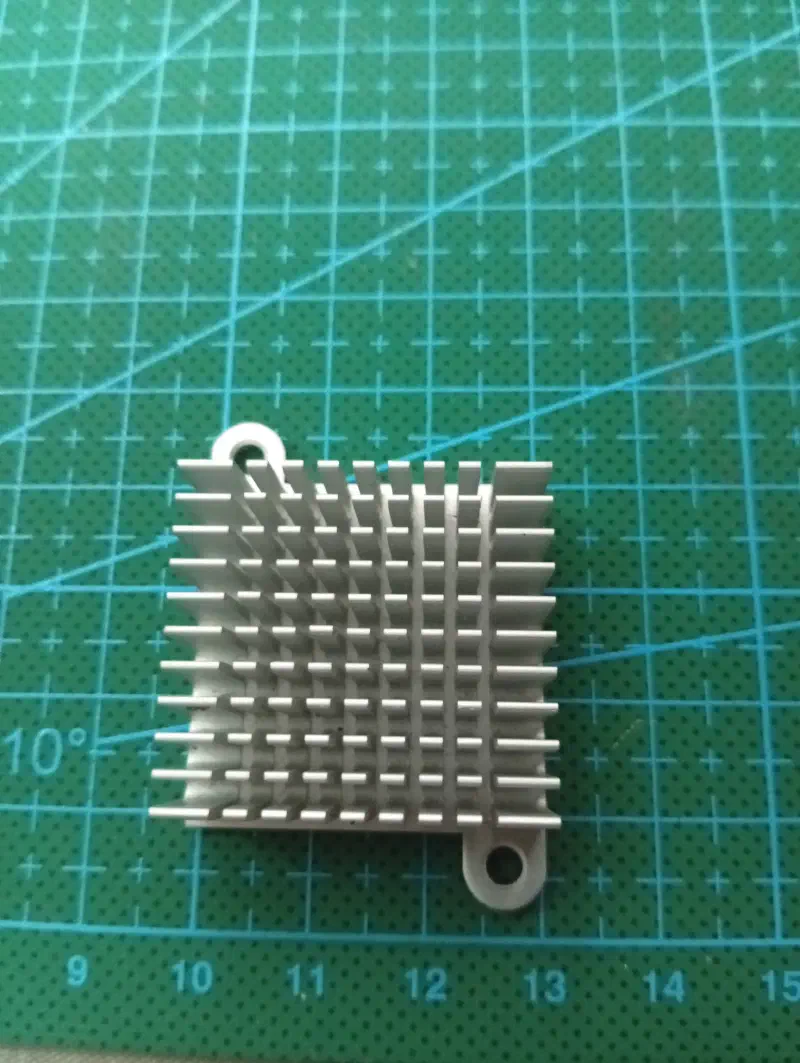
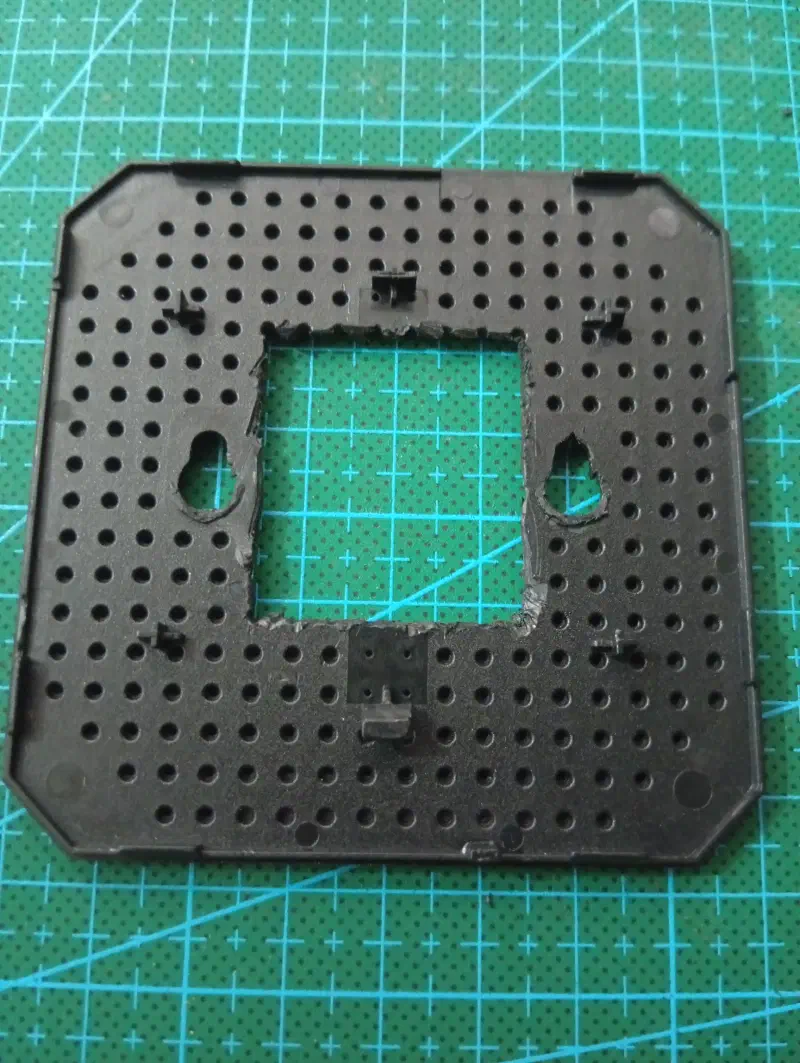
Since the new heatsink was taller than the enclosure clearance, I had to cut out a section of the bottom cover.
Conclusion #
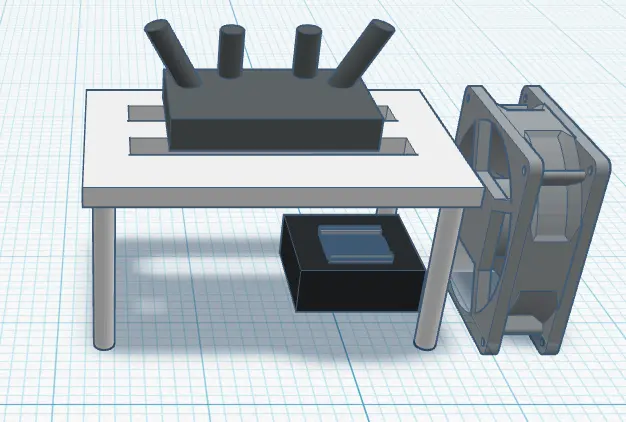
Finally, I placed the modified X96 Mini underneath my router and used an external USB power supply to drive a repurposed USB cooling fan.
Here is the final setup layout like:
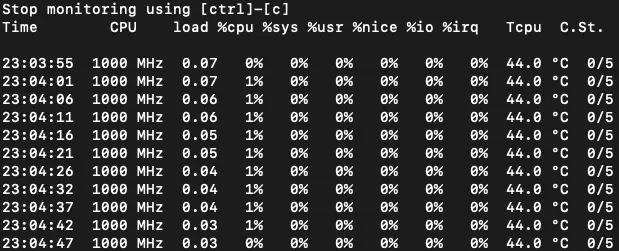
System temperatures can be easily monitored using:
armbianmonitor -m